User guide
Upload raw DAS data, review the result, and remove the server files.
HADRON FieldLab is a public technology demonstration for evaluation testing. It is built to accept common DAS and waveform containers, plus selected seismic exchange files for trace-level intake, return a reviewable result package, and keep the workflow understandable without exposing proprietary implementation details.
1. Before You Upload
Use the site only with data you are authorized to test. The demo server deletes uploaded raw recordings after processing. Result files are kept temporarily so you can download them, then you can delete them from the page.
- Supported primary input families include HDF5, NetCDF4/HDF5, TDMS, SEG-Y trace files, MiniSEED, SAC, NPY, and NPZ. CSV, TXT, and JSON files are accepted only as optional event-window or pick sidecars. ZIP archives, KML/KMZ geometry files, TensorFlow record exports, and metadata-only files are not accepted as primary waveform uploads in the public demo.
- The public demo expects waveform or channel-by-time array data. It is not a PDF/report reader, archive unpacker, image processor, metadata-only validator, native SEG-Y rewrite service, or full survey interpretation package.
- Geometry, channel maps, and project metadata require a private project evaluation with JAWD AS before they should be treated as analysis inputs.
- For commercial use, API access, implementation, publication, redistribution, or operational use of processed outputs, contact JAWD AS first.
2. Run A File
- Open hadronfieldlab.com.
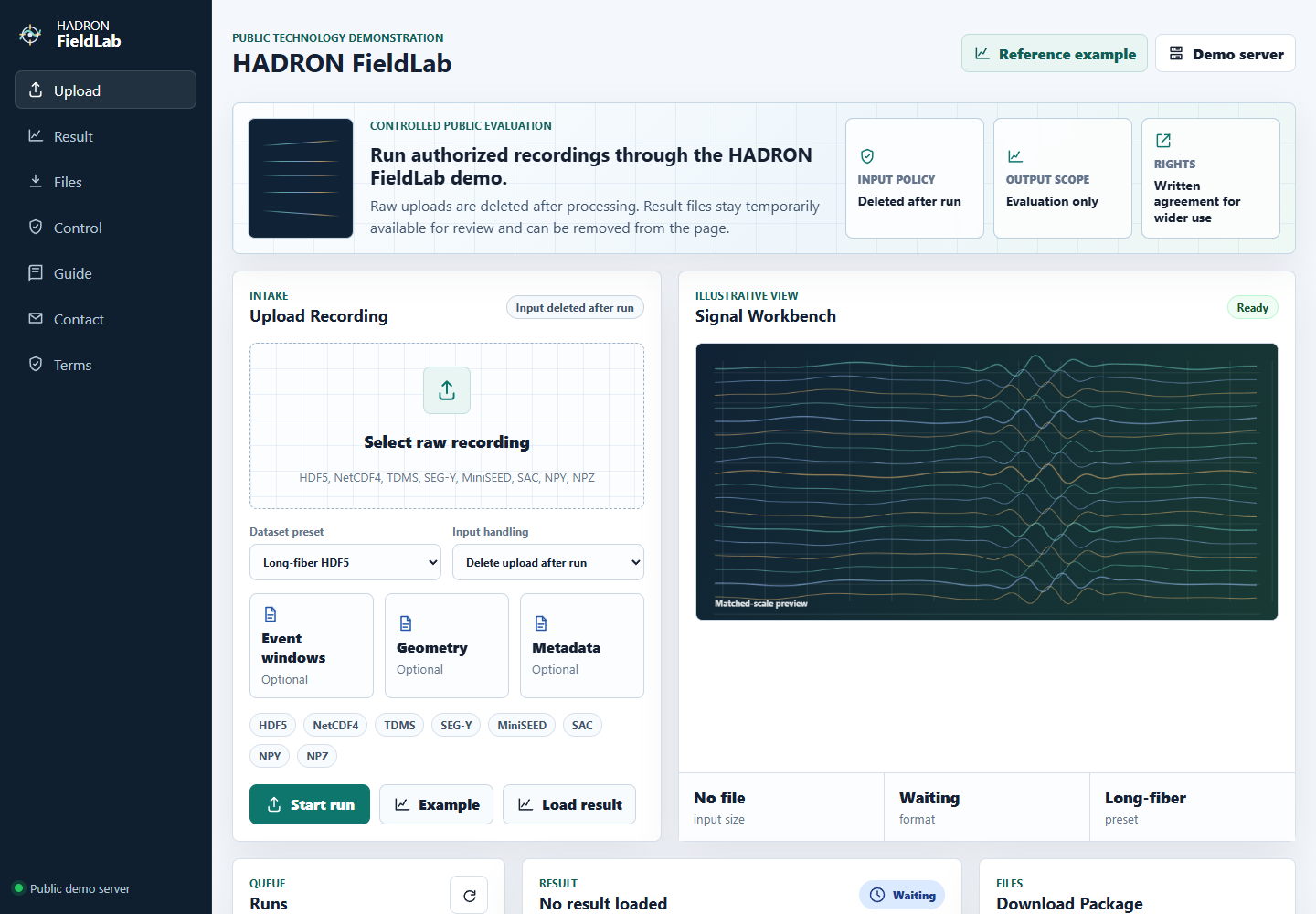
- Select the raw recording in the upload panel.
- Choose the closest dataset preset. If unsure, use the standard format preset that matches the file family.
- Add an optional event-window or pick sidecar only if it is relevant and accurate.
- Press Start run and keep the tab open while the server processes the file.
3. Read The Result
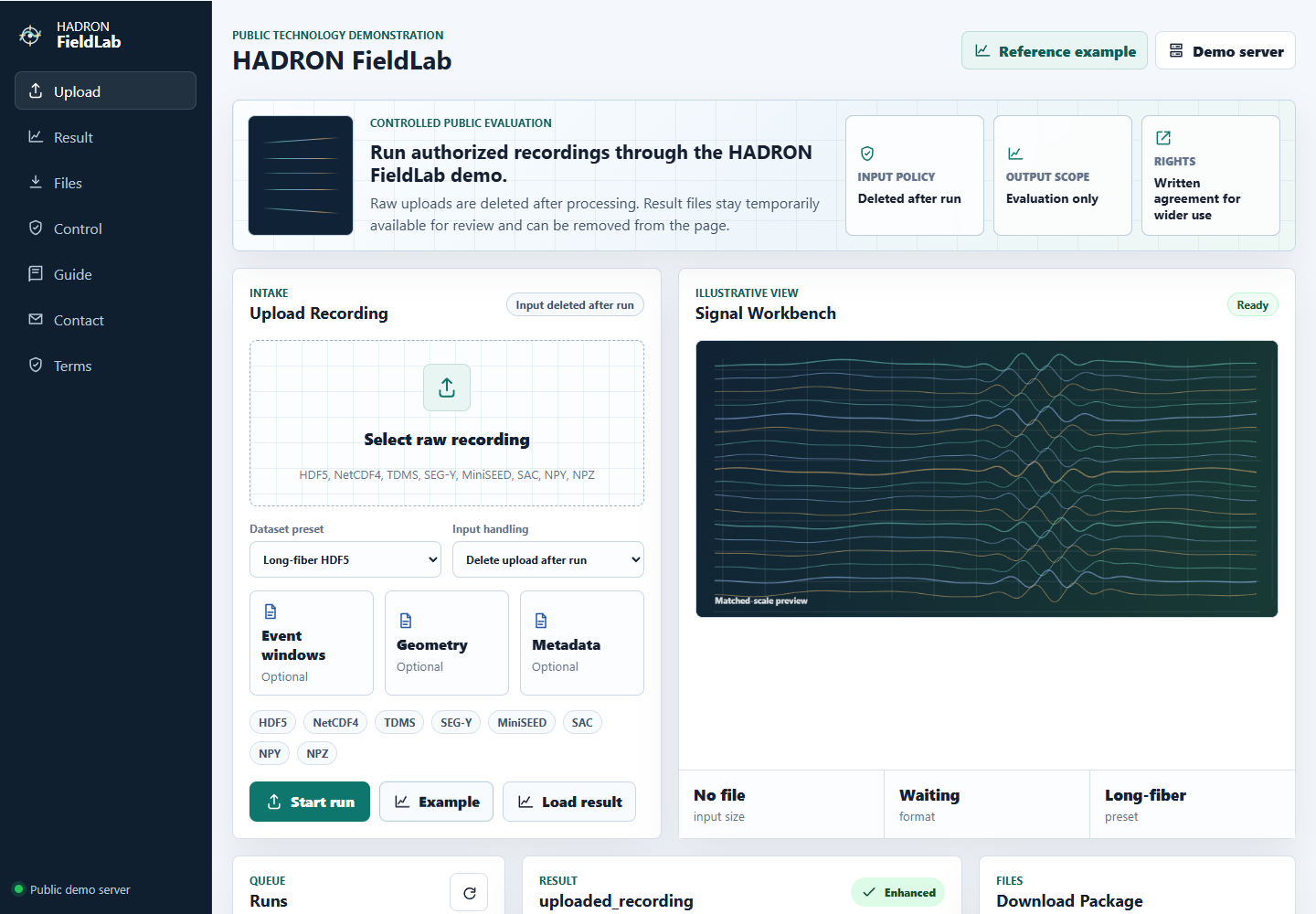
The result status is intentionally conservative. Enhanced means the automated quality checks passed on that input. Review means there may be useful change, but a domain reviewer should inspect the report before using it. No safe improvement means the run did not find a defensible improvement under the current input and event-window evidence.
The headline metrics compare the original input with the processed output. They are meant to support a scientific review, not replace it.
- SNR gain: median improvement in event energy relative to measured quiet-window noise.
- Signal/noise AUC: how well event windows separate from quiet windows. Higher is better; 1.0 is the upper bound.
- Waveform match: preservation of event-window waveform shape. Values near 1.0 indicate close timing and morphology agreement.
4. Download And Clean Up
A completed run can return processed review data, a portable HDF5 copy, a PDF report, a preview image, an interactive preview, a machine-readable result summary, and supporting metrics. TDMS, MiniSEED, SAC, and SEG-Y uploads are evaluated as loaded trace arrays and returned as array/HDF5 review outputs rather than as native file-format rewrites or full survey interpretation deliverables. Download what you need for review, then use Delete to remove the result files from the demo server.